
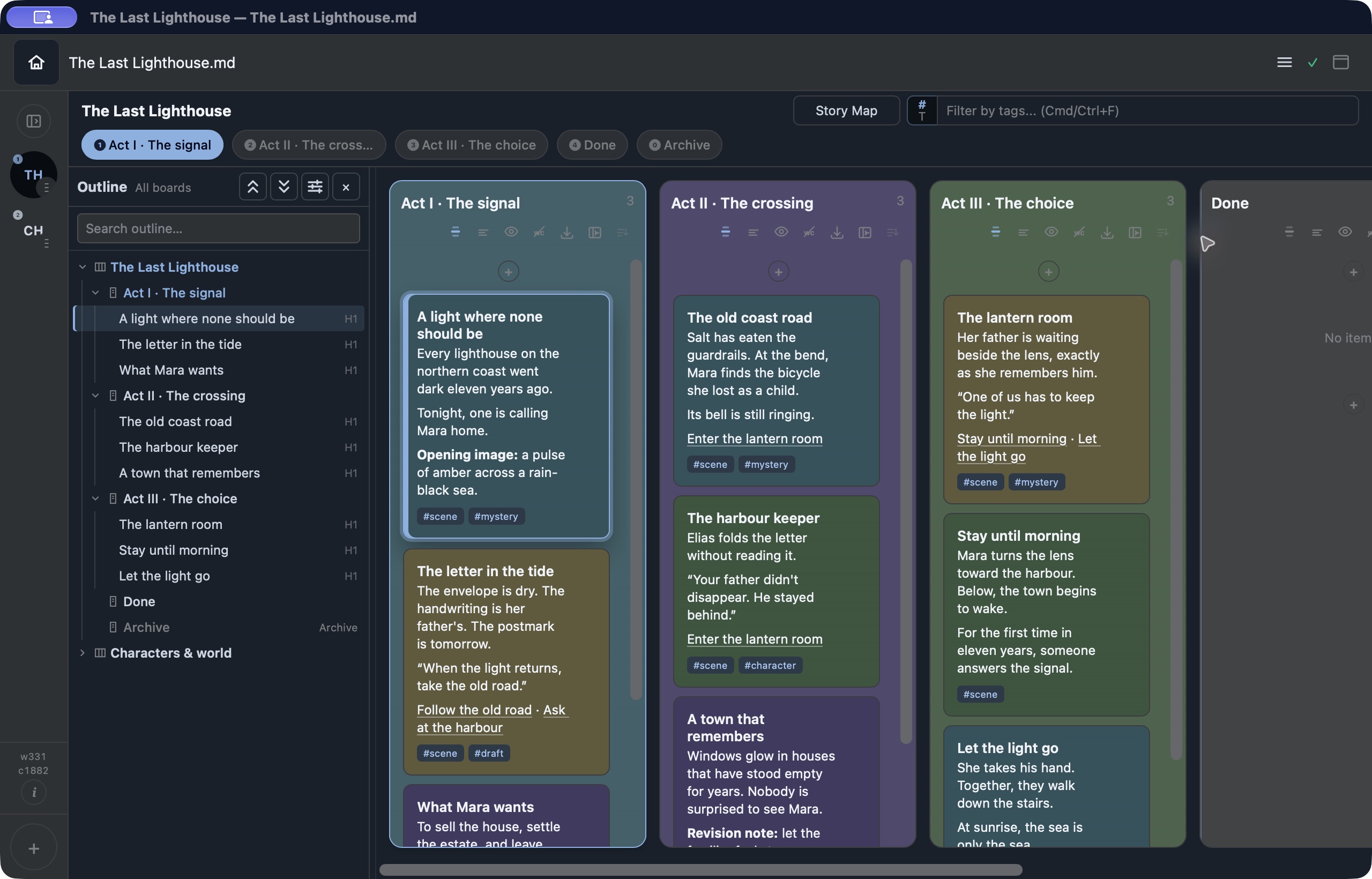
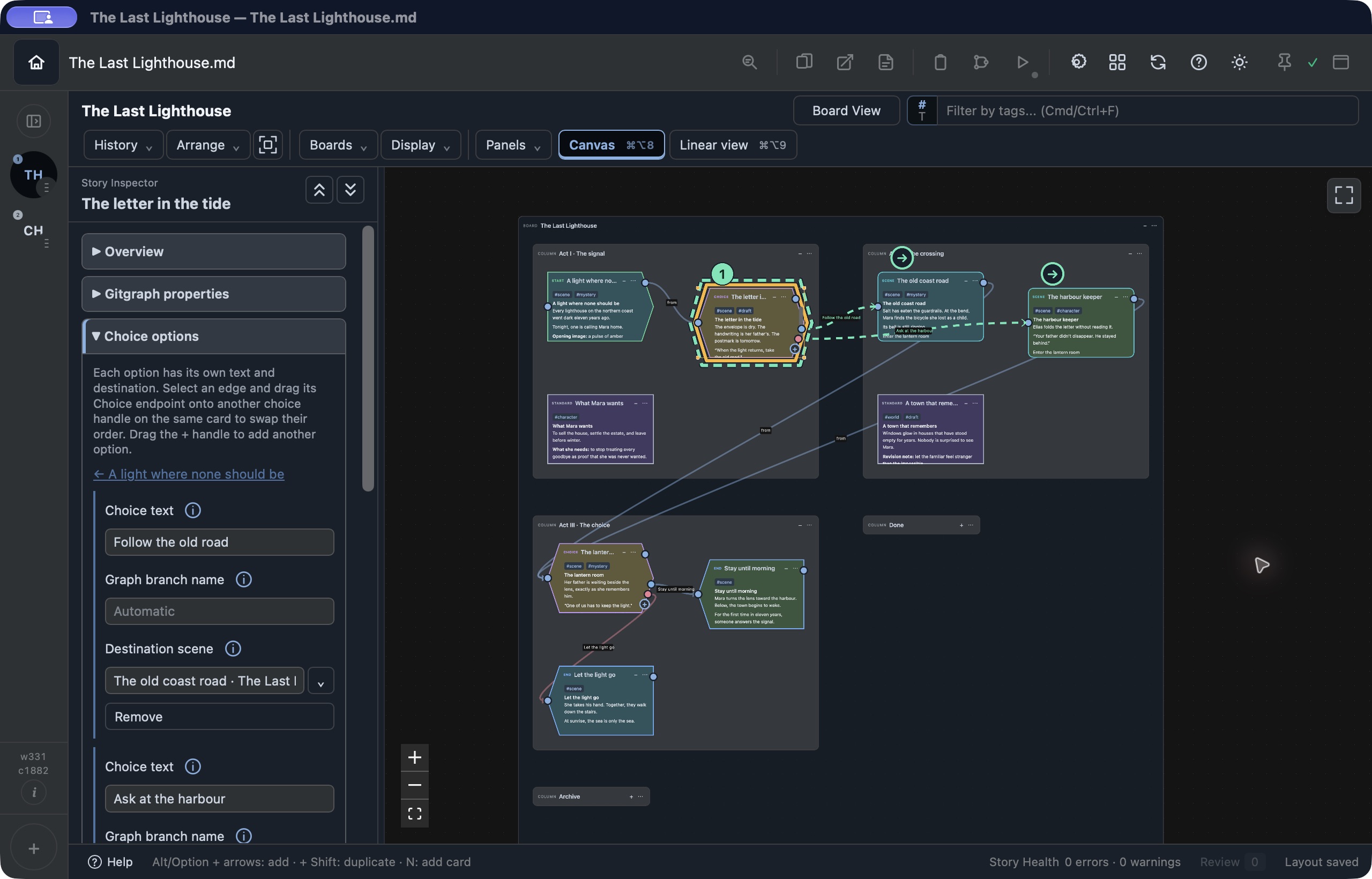
Plan
Gather ideas and scenes, arrange their order, and make connections visible. Keep the big picture close while the story changes.
Board View · Outliner · Story Map
Explore the features →A workspace for stories in motion
A visual writing workspace for writers, screenwriters, and interactive storytellers. Plan your story, develop the writing, and play through dialogue and choices as you create them.
Local Markdown filesOne-time purchase
14-day full-feature trial. Editing continues with license reminders until 30 days total from first launch; after that, reading, copying, and exporting remain available.
The macOS trial is available to download. Windows is planned; no release date is announced.
Real app captures · The Last Lighthouse is a fictional demo project.
Move between the shape of the story and the words on the page. For interactive stories, follow the choices yourself before someone else does.
Gather ideas and scenes, arrange their order, and make connections visible. Keep the big picture close while the story changes.
Board View · Outliner · Story Map
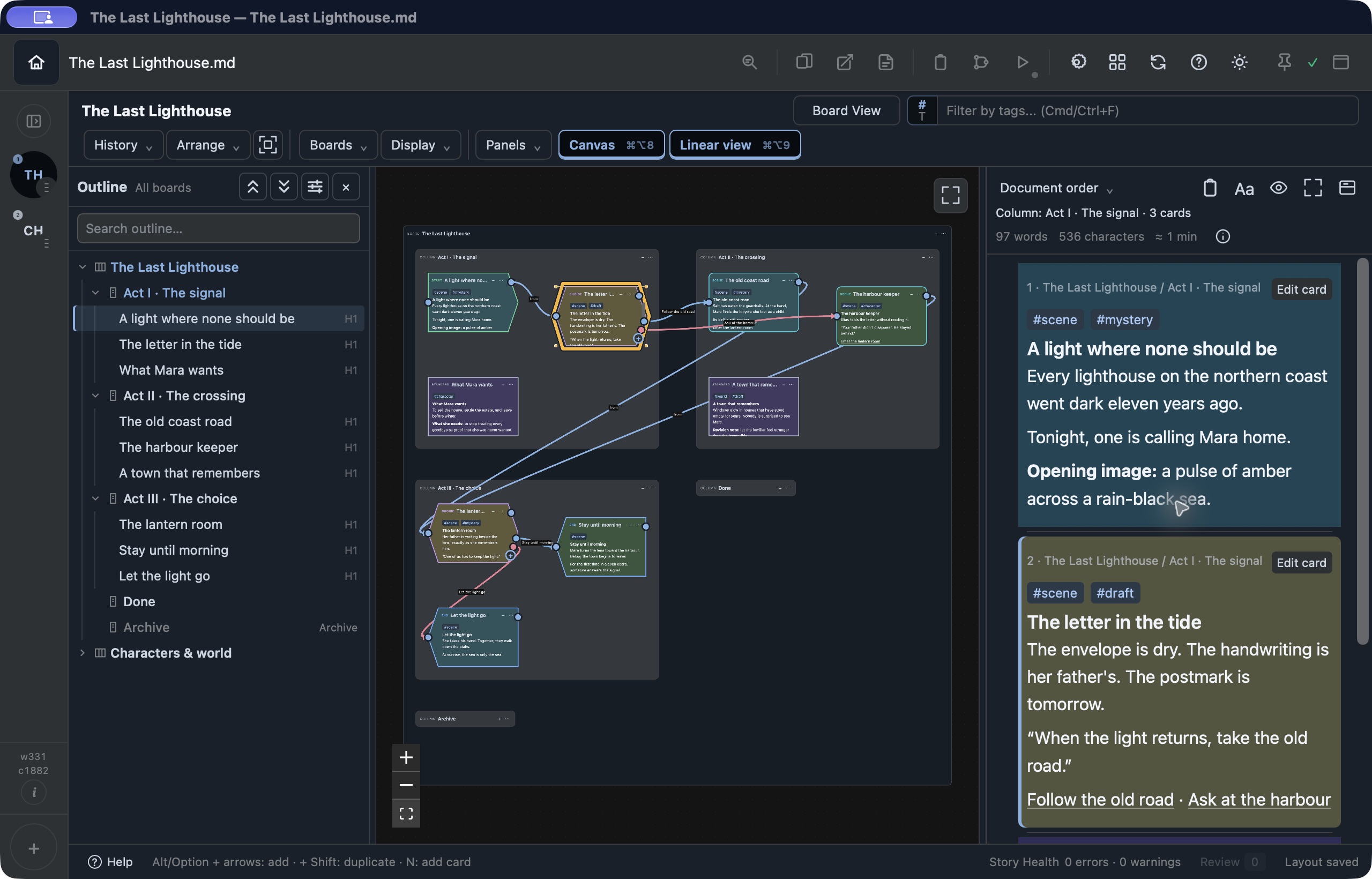
Explore the features →Develop prose or a screenplay with your outline nearby. Read scenes together, revise the sequence, or settle into a focused writing window.
Linear View · Zen Mode · Fountain
Explore the features →Writing an interactive story? Play through dialogue and choices while you develop them, and see how a decision changes what follows.
Play Mode · Branching stories
Explore the features →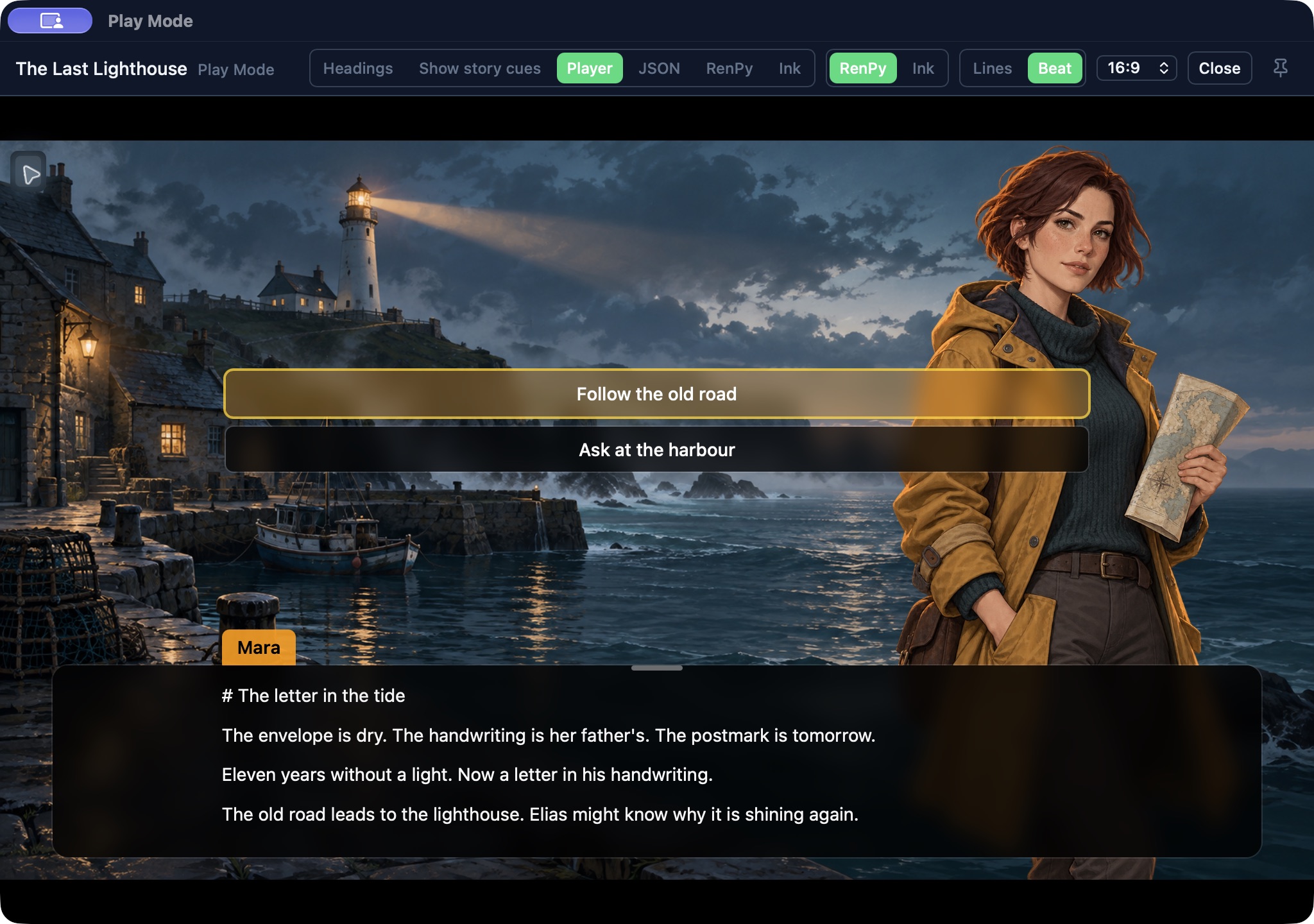
Keep research, revision tasks, and production notes beside the story—or use the same boards for a project of their own. Columns, cards, tags, dates, and priorities give solo developers and creative makers a flexible place to organize the work.
Explore project organization →Your story. Your files.
Your projects live in Markdown files on your computer. Open them in another editor, keep your own backups, and choose where they belong.
Your writing stays readable outside FlowBoard. Story Map layouts and some preferences are stored separately; media stays in accompanying files. Initial license activation and optional online features need internet access.
Work on local projects without a permanent connection. Direct-license activation and optional online features need internet access.
Optional AI Assist connects to a provider you configure. Choose the context you send. Provider accounts and usage charges are separate from the app purchase.
A one-time app license, with no recurring app subscription. Future major upgrades may be offered separately.
Early Access
The core workspace is built and working. Early Access is about polish, real projects, and feedback: improving everyday interactions and addressing the rough edges that use brings to light. Features may change and bugs may remain.