
Write in Markdown
Keep the source readable, with headings, emphasis, lists, links, and formatted previews. Move between editing and reading without moving your writing into a closed format.
PlotzyDraft:FlowBoard
Start with the work you want to do. Plan a story, develop the writing, test its choices, or organize a creative project in the same flexible workspace.
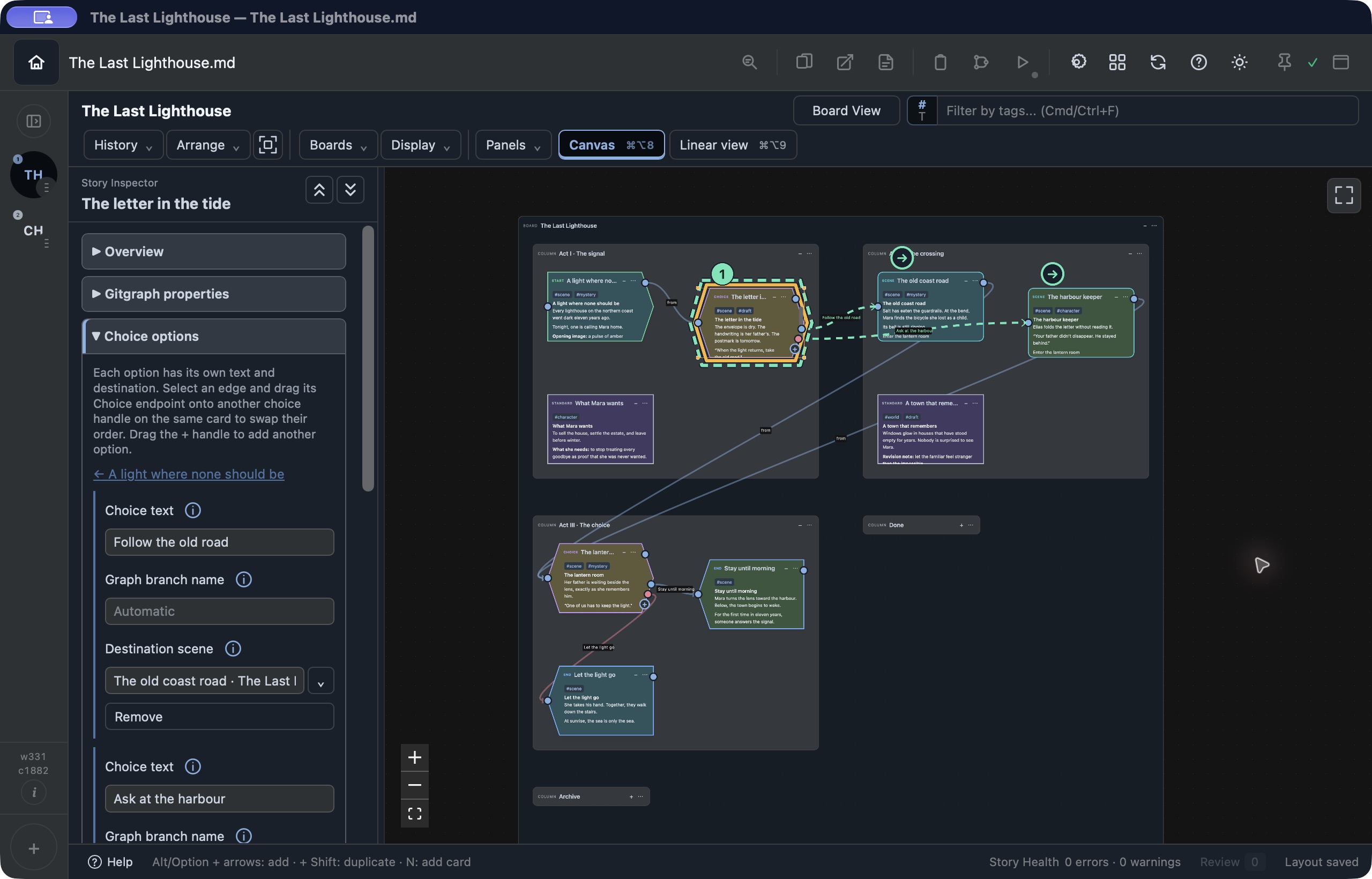
Board View · Outliner · Story Map
Arrange scenes and notes as cards in columns. Use the Outliner to follow the structure, or spread connected scenes across Story Map. Change your perspective while working with the same document.
For writers
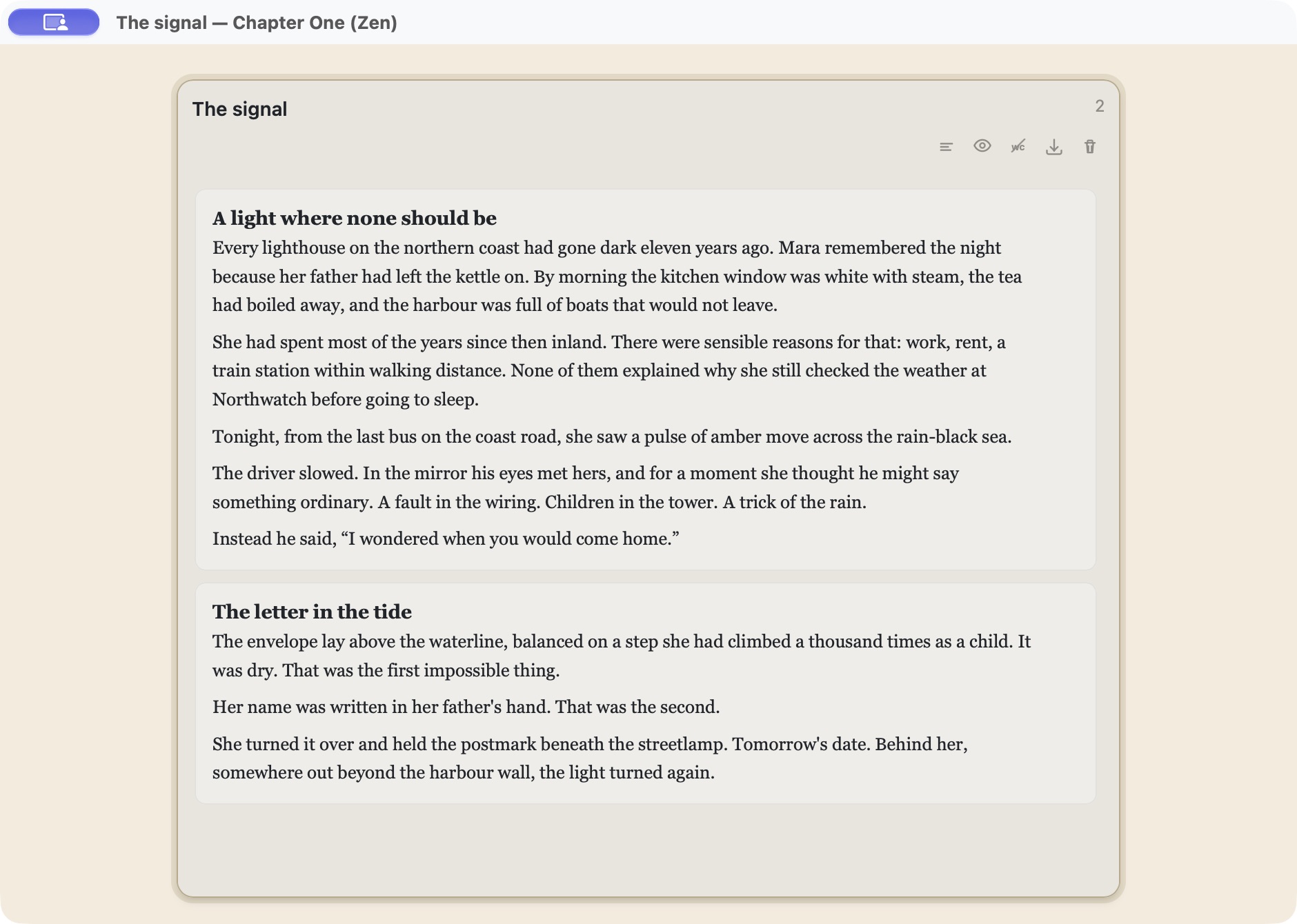
Open a column in Zen Mode and stay with the sentence in front of you. Typewriter scrolling, a quieter background, and adjustable typography help you find a comfortable writing rhythm. Return to Linear View or the Outliner when you want the bigger picture.
Keep the source readable, with headings, emphasis, lists, links, and formatted previews. Move between editing and reading without moving your writing into a closed format.
Write and preview screenplay cards using Fountain syntax, then export them as Fountain. Keep scenes and supporting notes together in the same project.
From a story on cards to a story you can play
Give scenes a background, a cast, and a voice. Play through dialogue and branching choices inside FlowBoard to feel the pacing and see how a decision changes the story—while it is still easy to rewrite.
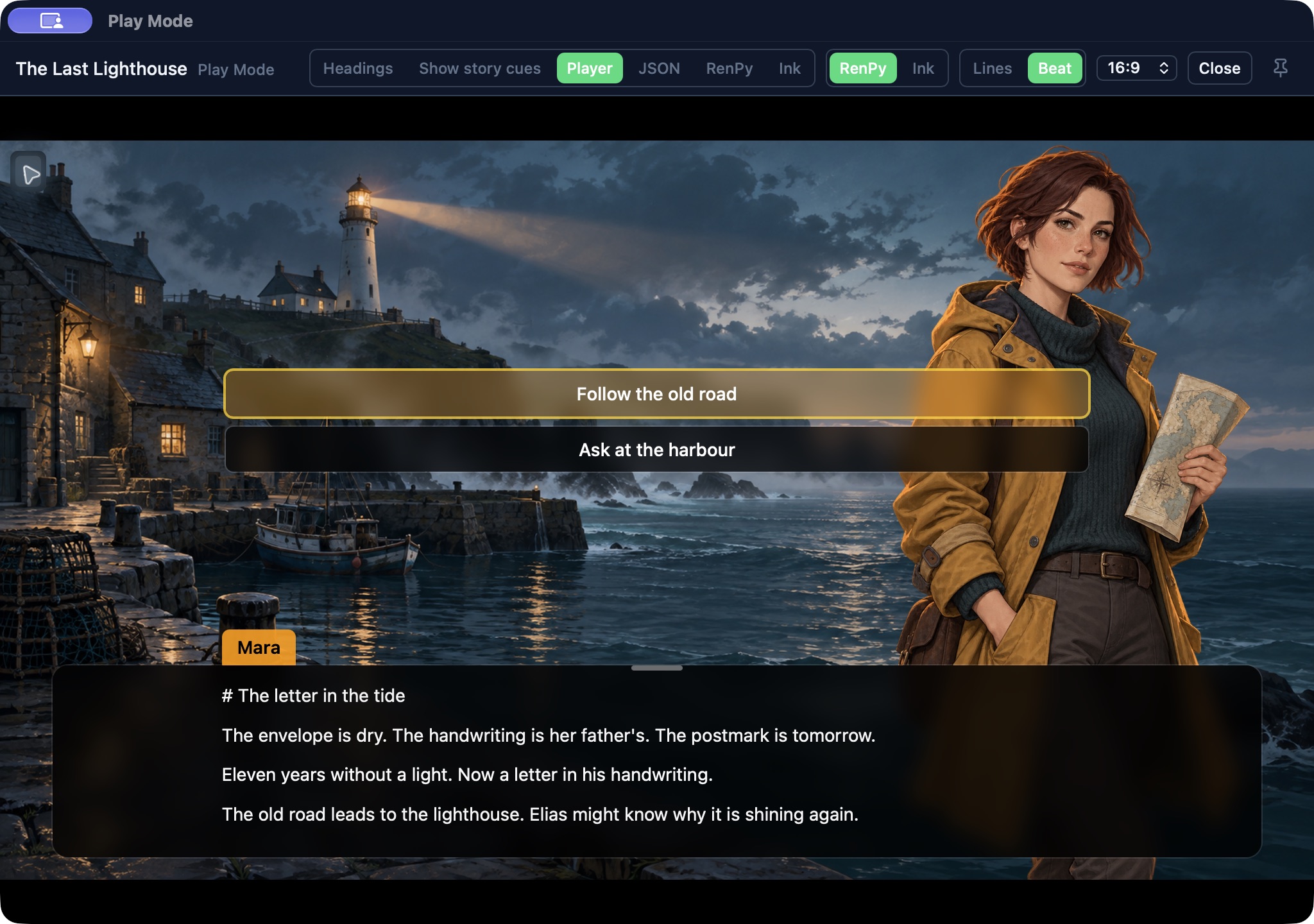
Export Ren’Py scripts and media, export Ink with its media and manifest, or copy the compiled story as JSON for your own pipeline.
Ren’Py preview supports FlowBoard’s story features; custom Ren’Py/Python code runs in Ren’Py after export. Ink media tags need support in your game’s player.
Understand the paths
Gitgraph turns your story connections into a route overview: forks, rejoins, and endings become easy to follow. Switch between Story and Author views, then jump from a node back to its card.
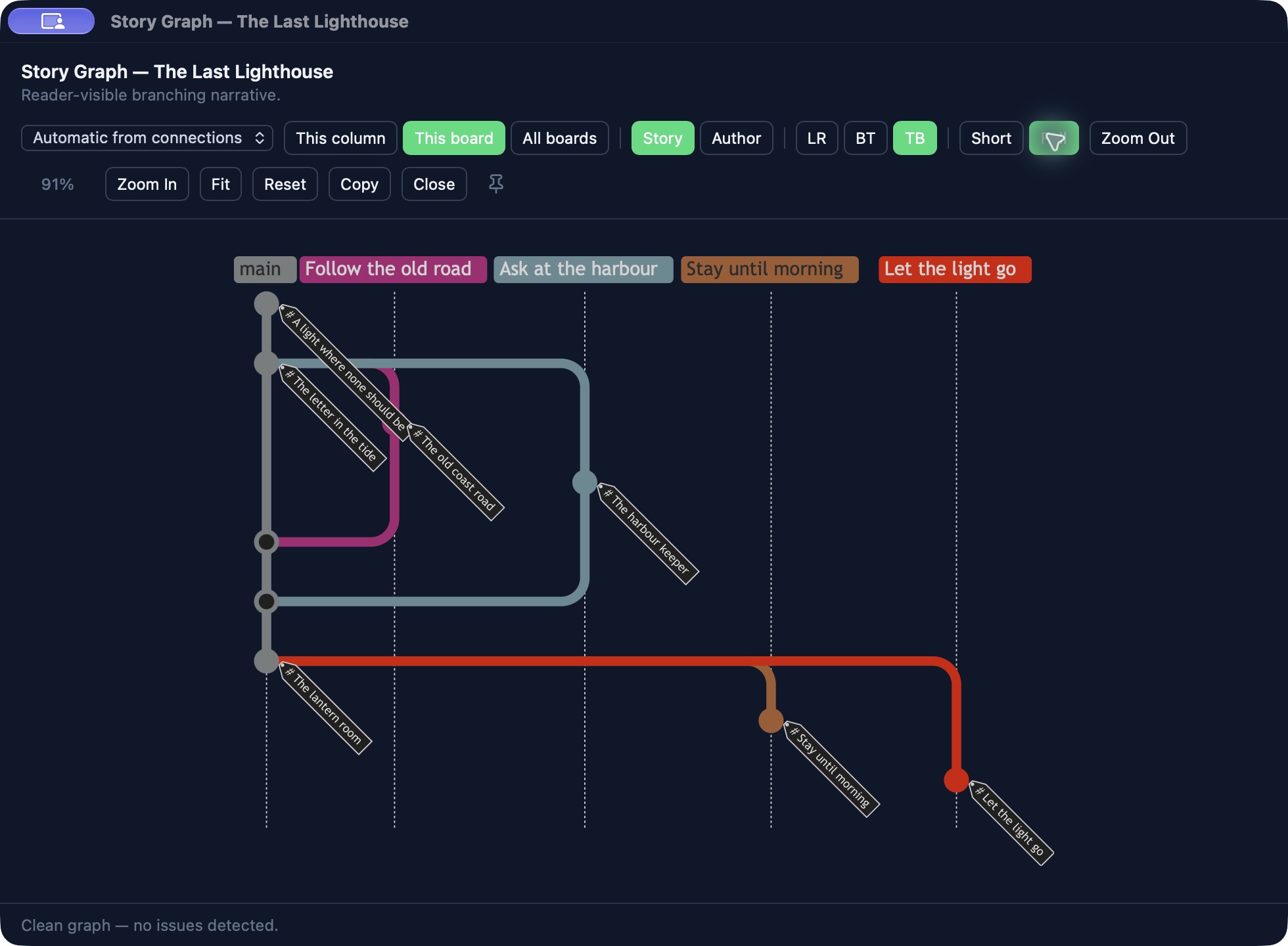
Gitgraph visualizes story routes; it is not Git version control. Inspect returning loops in Story Map.
Story Health & Play Mode
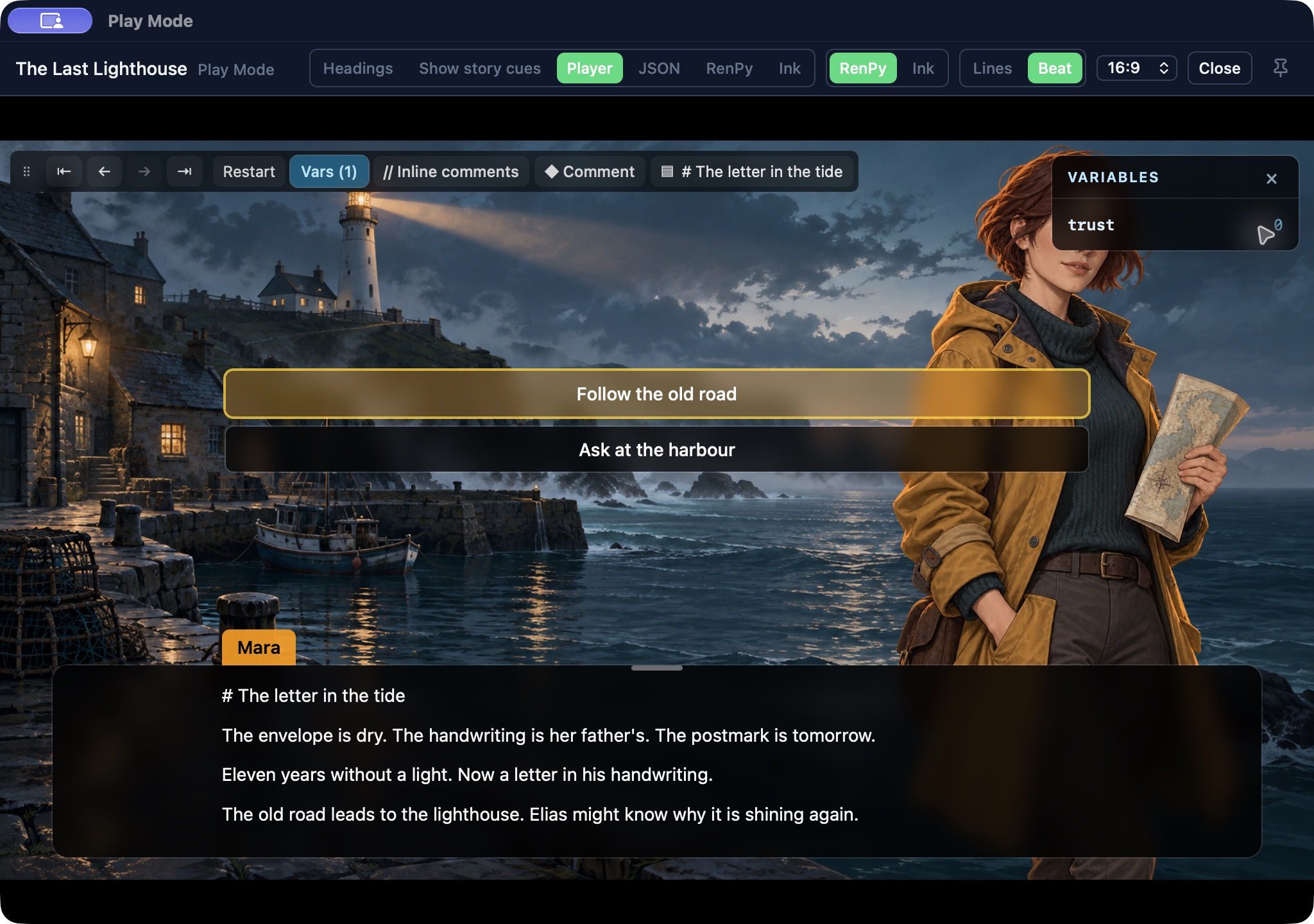
Story Health points out broken links, unreachable scenes, dead ends, and variable issues. During play, inspect live variables, step back, jump to a choice, and edit with Save & Continue. Add review comments while the moment is fresh.
Keep a thread within reach
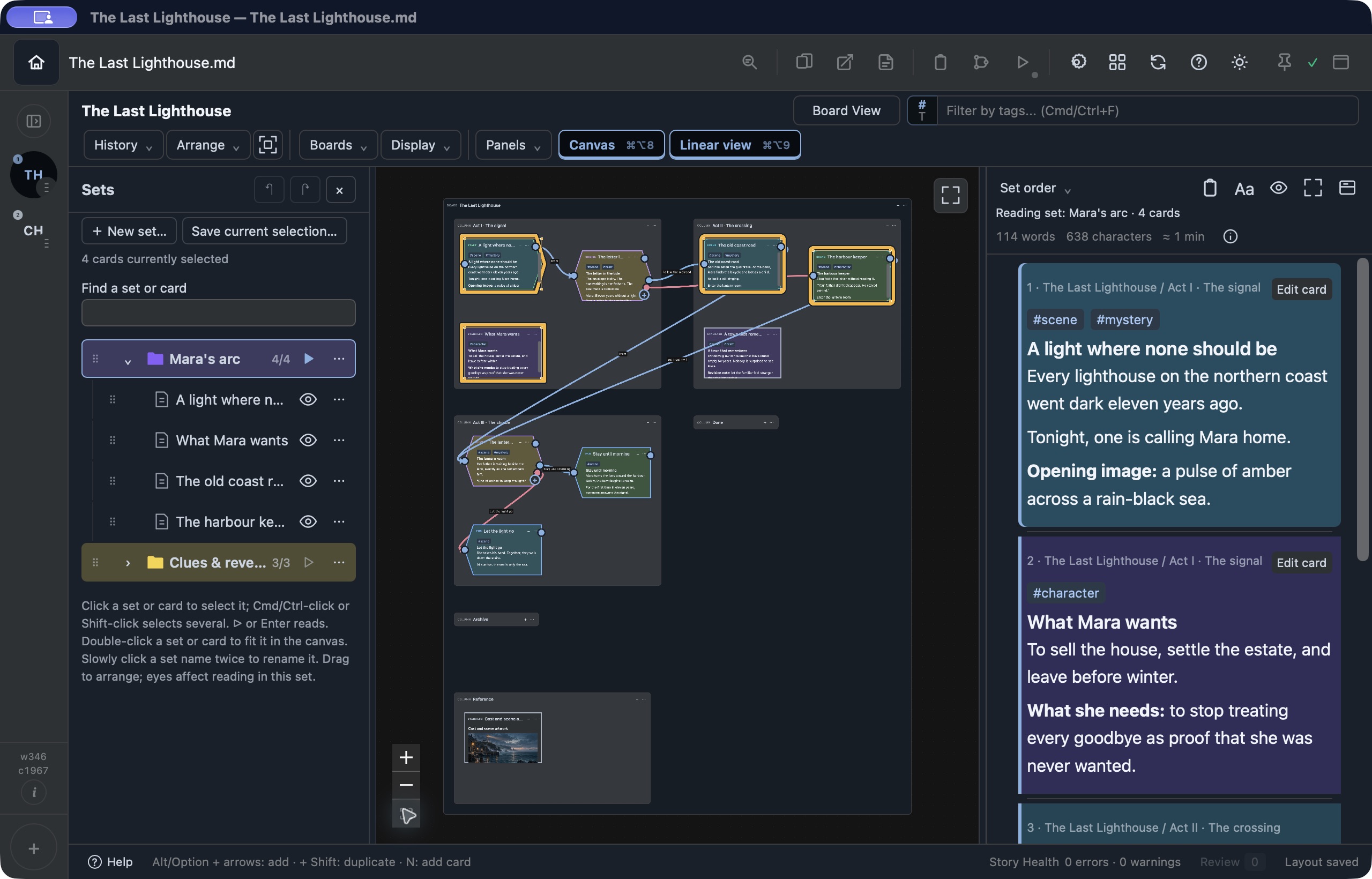
Collect a character arc, a chapter, or a revision pass into a named Selection Set. Recall the same cards, colour-code your sets, nest them, and read them in a saved order—without immediately rearranging the document.
For the project you are building yourself
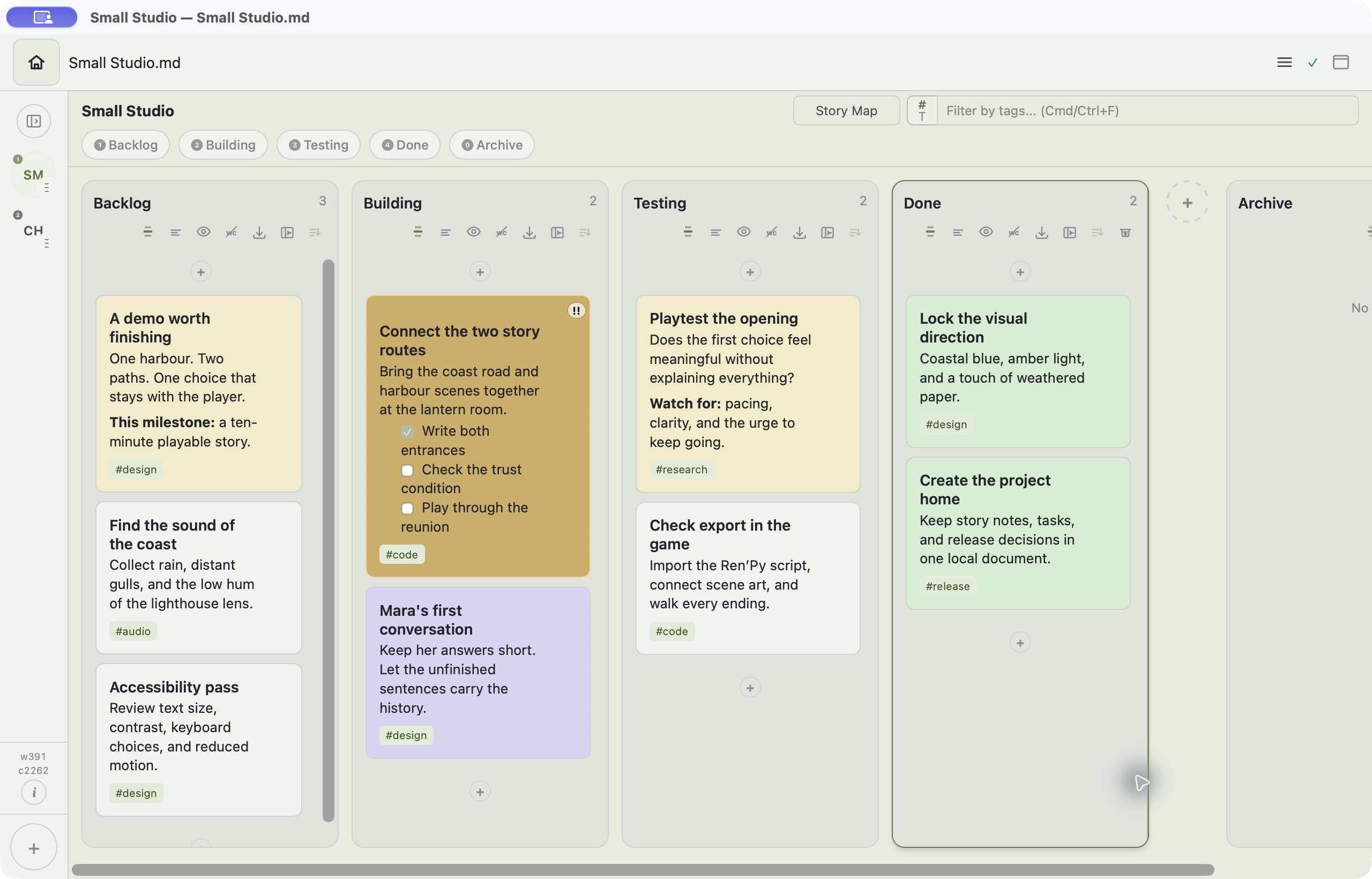
Use boards and columns as a personal Kanban system. Move cards from Backlog to Building, Testing, and Done. Add tags, dates, and importance so the next useful step stays easy to find.
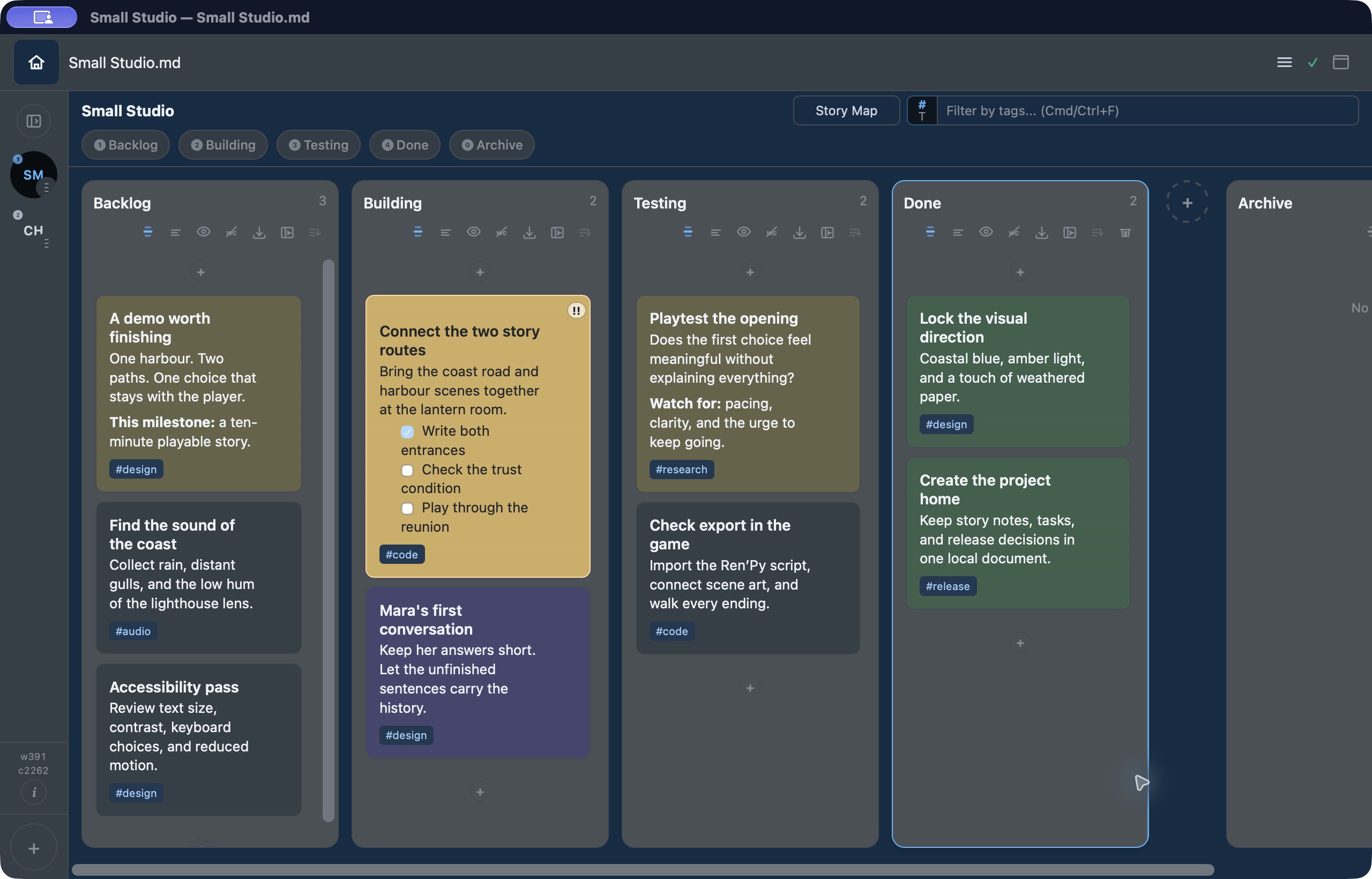
Choose a board colour and let FlowBoard derive matching surfaces, or tune the colours yourself. Light and dark modes, card tints, and typography give each project a familiar feel.
Creative work is not always prose. Keep supporting material in the workspace without turning it into a separate project.
Write Mermaid diagrams in your cards and open a rendered view with pan and zoom. Use them for processes, systems, or the connections behind your project.
Write mathematical expressions alongside your Markdown notes, rendered with KaTeX. Useful for technical notes, research, and systems design.
Export documents as Markdown, plain text, PDF, Word, HTML, or Fountain. Interactive-story exports include Ren’Py, Ink, and JSON; the story tools above explain that workflow.
Desktop autosave keeps work current; previous document versions are kept as local backups with adjustable retention. Keep your own off-device backup, too.
Local Markdown keeps your work readable outside FlowBoard. Core writing and planning work offline.
Use tags, search, dates, and importance to bring the right cards back into view.
Bring a provider you choose for drafting or revising. You choose the context; provider usage is billed separately.
See current platforms, trial details, and separate purchase channels on the Purchase page. Purchase & trial →